One model of your business. Everything else is compiled from it.
Tavuni keeps what your business tracks, how it calculates, how work moves and who may do what in a single Business Graph — and turns it into the application your people use, with verification and governance built into the path, not added after.
What Tavuni does, in order.
Model
What the business keeps track of, how those things connect and how values are calculated — one Business Graph.
More about modelGenerate
The model compiles into a working application: records, lists, screens, reports and an API. No second copy of the rules in code.
More about generateGovern
Roles, record and field access, approvals and a tamper-evident audit trail — decided by the server, not hidden by the screen.
More about governVerify
Every calculated value is checked against the source you already trust. Differences are shown, never hidden.
More about verifyEvolve
A change arrives as a diff, runs against your real records, and is published by a person as a new version.
More about evolve
People who describe the business, and people who run it.
The same product, seen from two sides. The colour tells you which: violet for the business model, indigo for the working application.
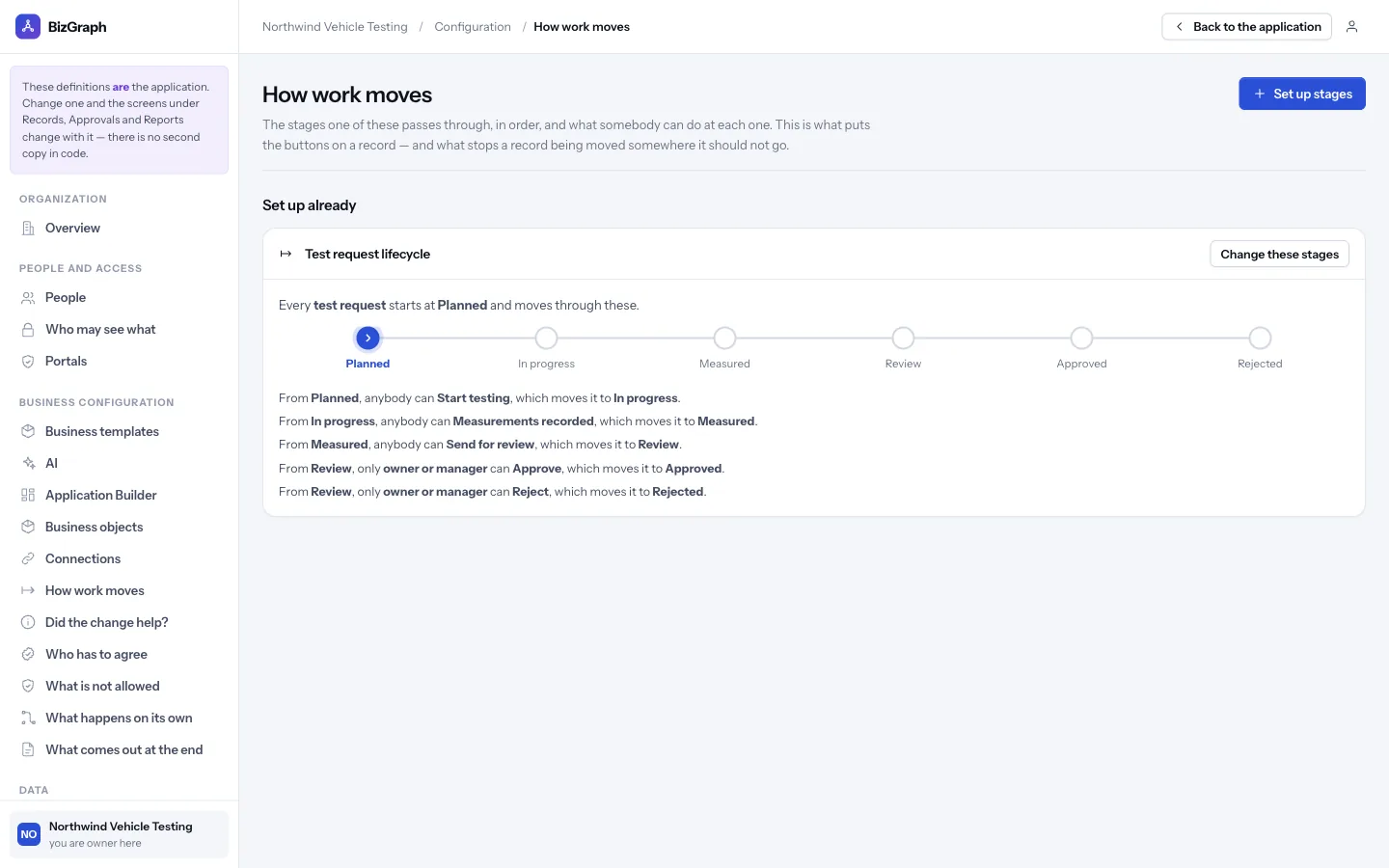
Business objects, connections, rules, workflows, stages, approvals, roles.
- Business objects and their fields, with calculated values and numbering
- Connections between objects, so a rule or report can reach across them
- Stages and the moves between them, with who may make each move
- Workflows: when this happens, if these are true, do that
- Approvals, including several groups signing off in parallel
- Roles, record access and restricted fields
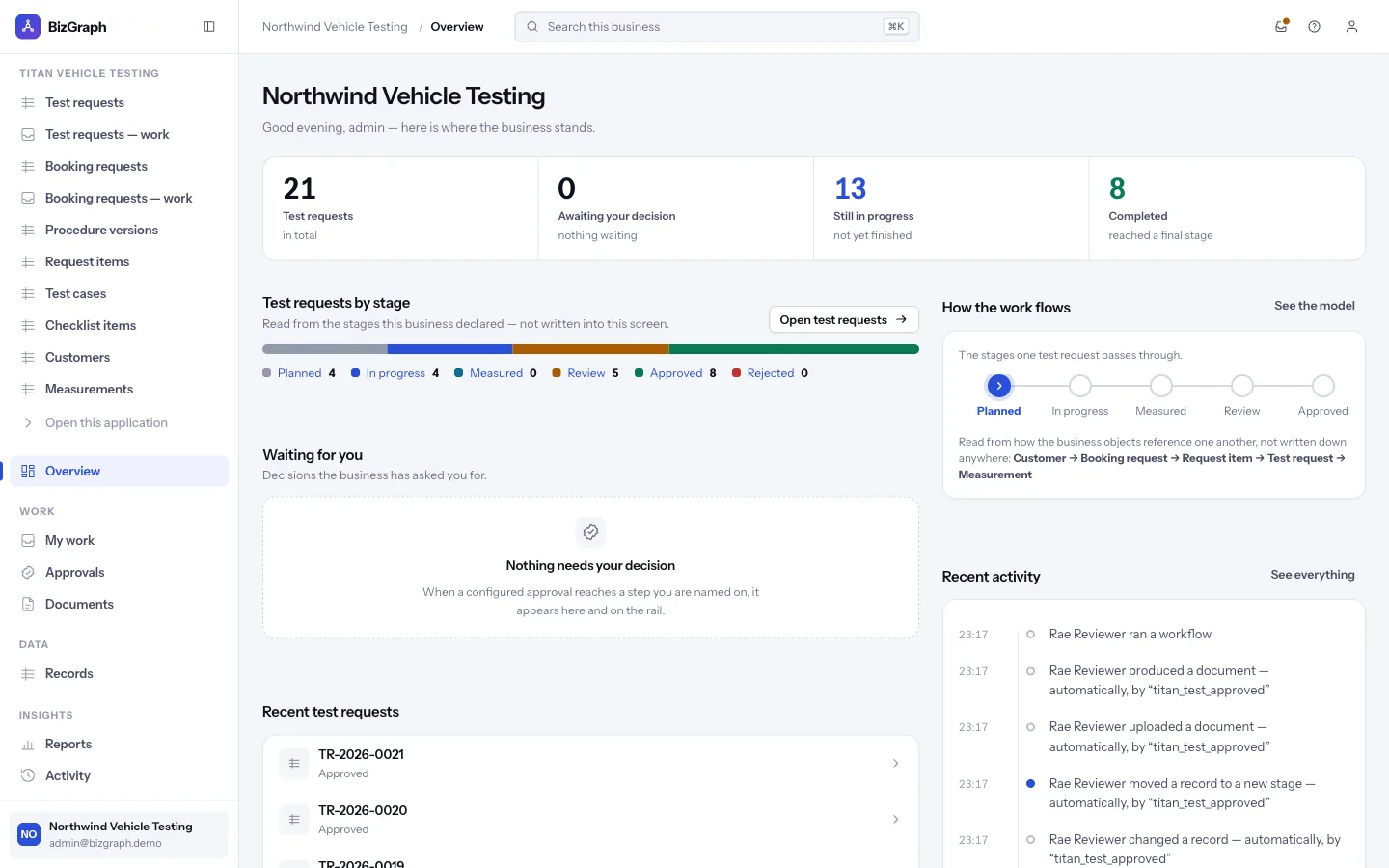
Records, my work, approvals, documents, reports and activity.
- An overview read from the configuration: work by stage, what is waiting on you
- Lists and record screens generated for each business object
- Approval queues showing what is being approved and who else must agree
- Reports with CSV, Excel and PDF export
- Customer-facing applications built in the Application Builder, at their own address
Built like infrastructure, because it is.
Multi-tenant by structure
Every organisation is isolated in the data layer; cross-tenant requests answer “not found”. Each customer can have their own address.
Tamper-evident history
An audit chain records who did what, when — including automations — and can be verified by an operator.
Enterprise identity
SAML and OIDC single sign-on, SCIM provisioning, multi-factor authentication and key rotation, all tested.
API and integrations
A REST API with scoped keys, signed webhooks, OAuth 2.0 connectors with PKCE and a credential vault.
Environments
Configuration is promoted between environments rather than edited in production.
SQLite or PostgreSQL
The same backend and the same test suite run on both engines, so a development machine behaves like production.
Integrations are exercised against provider doubles; no vendor account has been called live. Email delivery is not built yet. Full status.
See it work on a real workbook, in your browser.
The example operations workbook opens in Tavuni with no account and nothing uploaded. Every number on this site comes from that same pipeline.